No description
- Python 100%
|
|
||
|---|---|---|
| .github | ||
| boards | ||
| builder | ||
| examples | ||
| misc/svd | ||
| .gitignore | ||
| platform.json | ||
| platform.py | ||
| README.md | ||

Raspberry Pi Pico RP2040 - PlatformIO ( Pico-SDK & Arduino )
A few words in the beginning
- Version: 1.0.9 The project is a work in progress, there may be bugs...
- Look here, if there is something new
- This project is based on PICO-SDK
- PICO-SDK ( the file organization has been restructured to be flexible and have a fast compilation )
-
- ver 1.2.0 release ( default )
-
- ATT: some #define keys is renamed to LIB_PICO_foo. Please read Pico SDK documentation or ask in PI forum
- Frameworks
-
- Baremetal ( pico-sdk, C/C++ ) baremetal is just a name for pico-sdk here
-
- Arduino ( in progress... )
- Debug ( in progress... )
-
- PICOPROBE ( Windows for now )
-
- CMSIS-DAP windows
- Libraries FreeRTOS, FatFS, littlefs ... etc
- Basic File System ( RAM disk, FLASH disk, SD card )
- READ WIKI
- Framework code
- Baremetal Examples
- Arduino Examples
- Video demo - Arduino - TFT ST7789
- Systems support
-
- Windows, Linux, Darwin
Notes
- Please Re-Install the platform. The project is a work in progress and the platform is installed from here...
- I am in Home-Office, it's hard for me to test hardwares as SPI, I2C ... etc
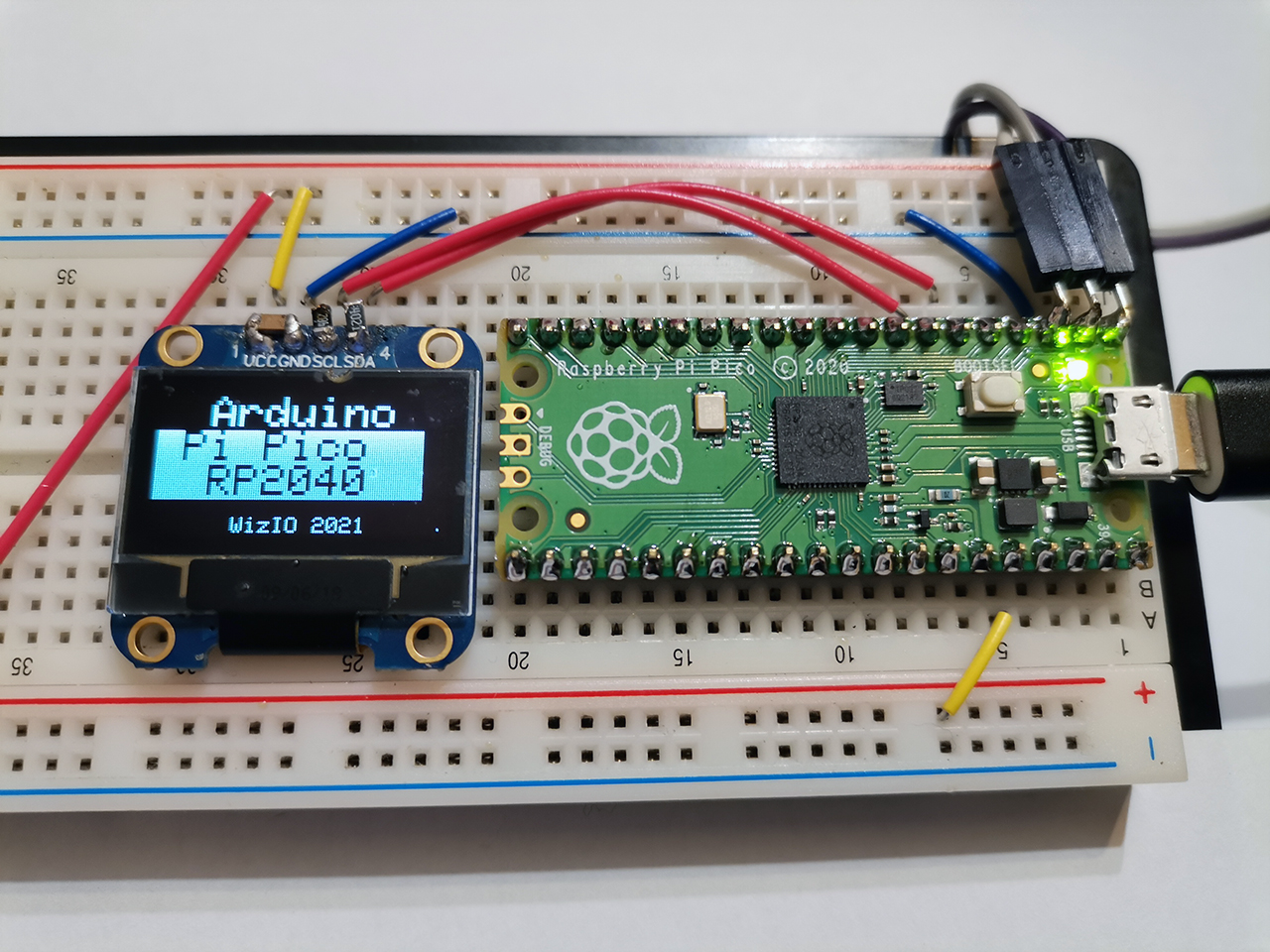
Install Platform
Note: be sure git is installed
- PIO Home > Platforms > Advanced Installation
- paste https://github.com/maxgerhardt/wizio-pico
- INSTALL
Uninstall ( fast ) ... Re-Install ( do this and Install again )
- In directory C:\Users\USER_NAME.platformio\platforms
- delete folder wizio-pico ( builders )
- In directory C:\Users\USER_NAME.platformio\packages
- delete folder framework-wizio-pico ( sources )
- delete folder toolchain-gccarmnoneeabi (compiler, may not be deleted )
- delete folder tool-wizio-pico ( tools, picoasm )
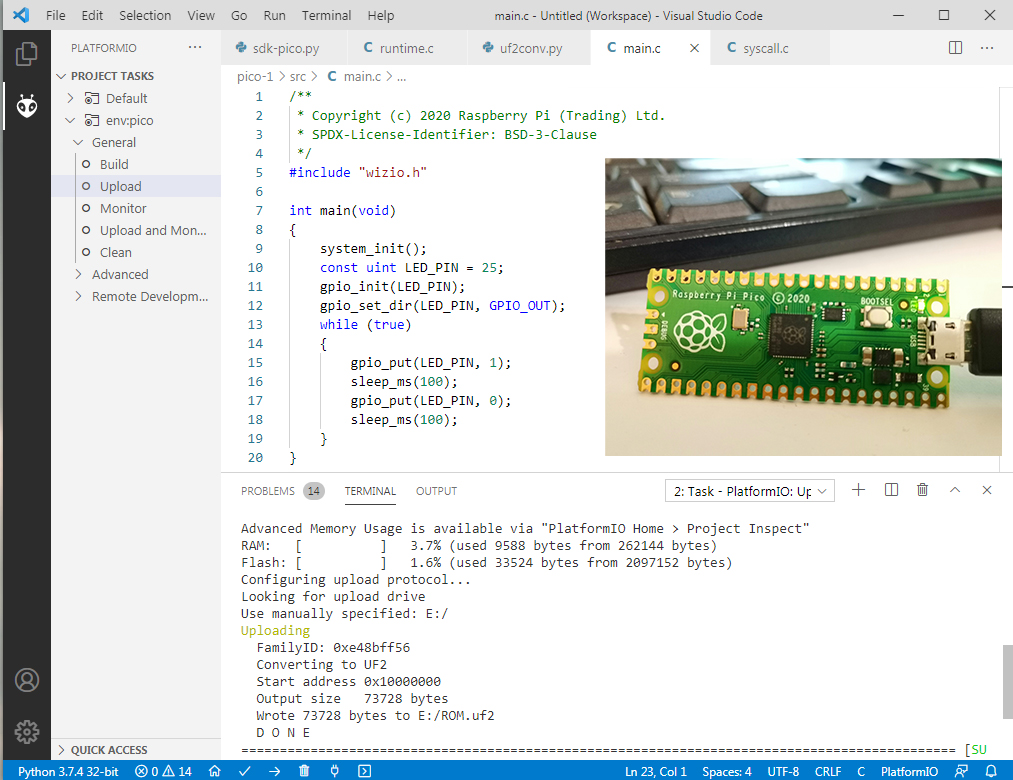
Baremetal - New Project
PlatformIO -> Home -> New
- Enter Project Name - Board search 'WizIO-PICO' boards - Select Baremetal
- Click BUILD and you will have basic project ( from template )
- For CPP project, rename main.c to main.cpp ( if you delete main file, builder will create new main.c as template )
- Connect Pico as Mass Storage Device
- Open platformio.ini and edit your settings
- BUILD / UPLOAD
- READ WIKI - BAREMETAL
Arduino - New Project
PlatformIO -> Home -> New
- Enter Project Name - Board search 'WizIO-PICO' boards - Select Arduino
- Connect Pico as Mass Storage Device
- Open platformio.ini and edit your settings
- BUILD / UPLOAD
- READ WIKI - ARDUINO
NOTE
IF PICO_STDIO_USB is used, the Uploader will try ro reset Pico to boot-uf2 mode without button and USB cable remove
Thanks to:
!THIS IS WIZIO'S ORIGINAL LINK!
If you want to help / support:
